Never miss
what matters.
A lightweight alarm clock and reminder extension for Chrome. Set alarms in seconds, choose sounds you like, snooze with one click and keep everything in sync with your browser profile.
Upcoming Alarm
07:00 AM
Sync Complete
Core Features
Built for everyday alarms & reminders
Everything happens inside a small, fast popup — no accounts, no clutter. Just the alarms you need, exactly when you need them.
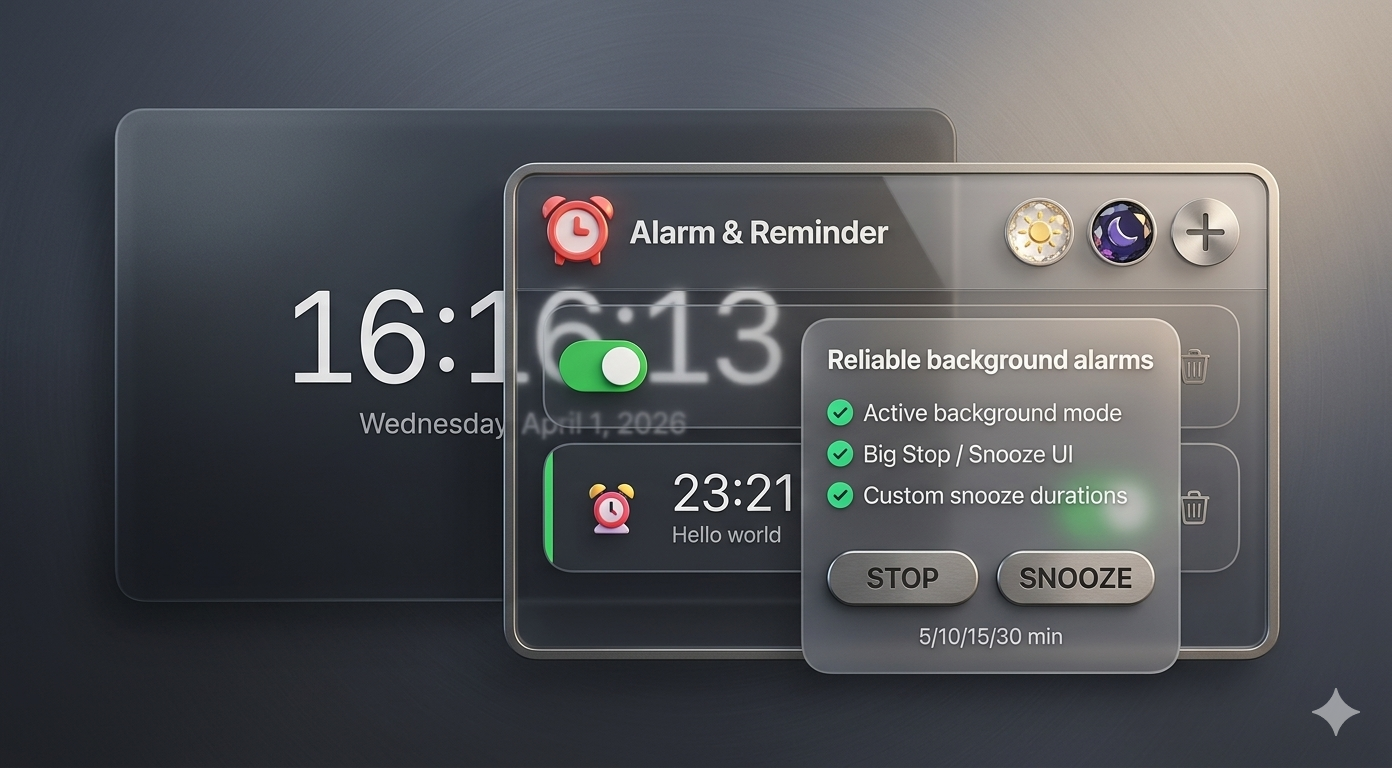
Reliable background alarms
Never miss an alarm, even when your browser is minimized or you're working in another tab. The extension uses Chrome's alarms API and an offscreen page so your alarms still ring on time.
- Works when Chrome is in the background
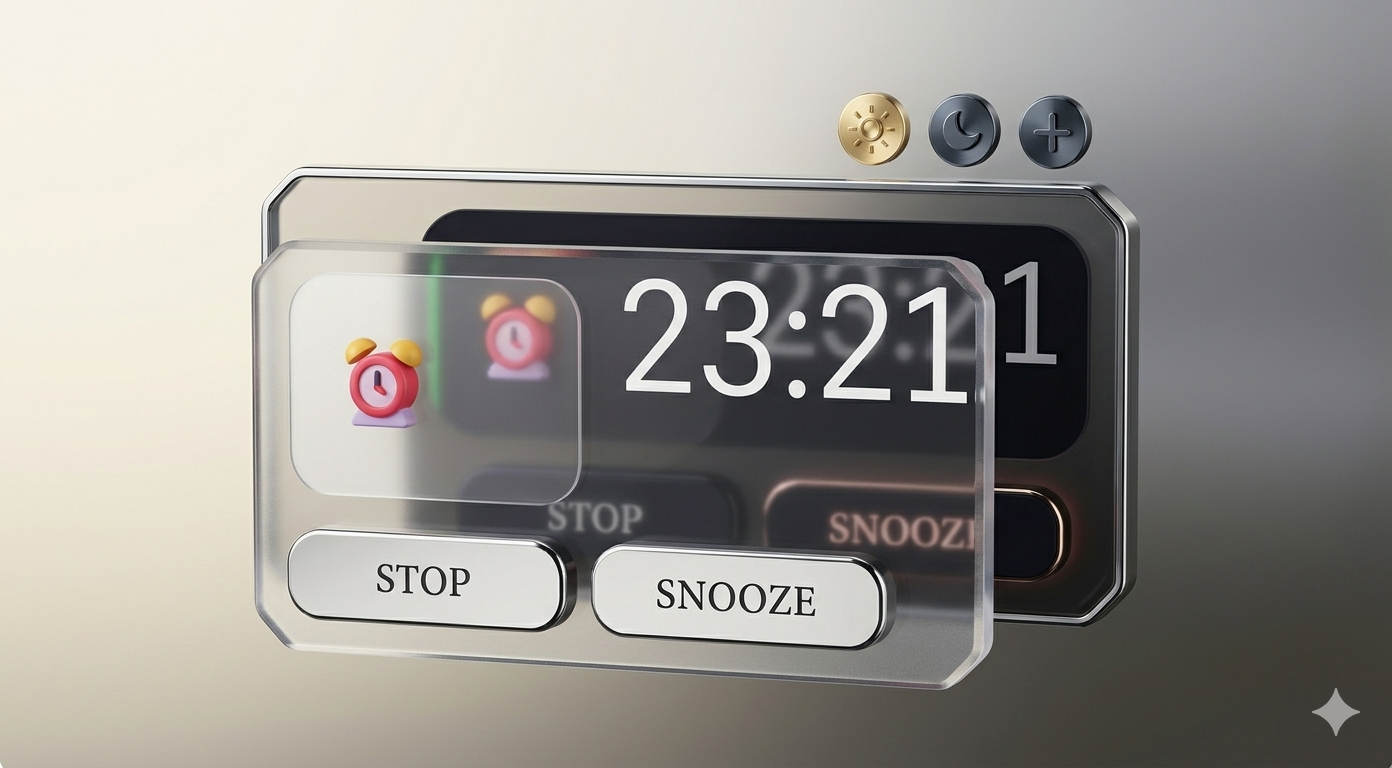
- Large ringing view with Snooze / Stop — can open in a dedicated window
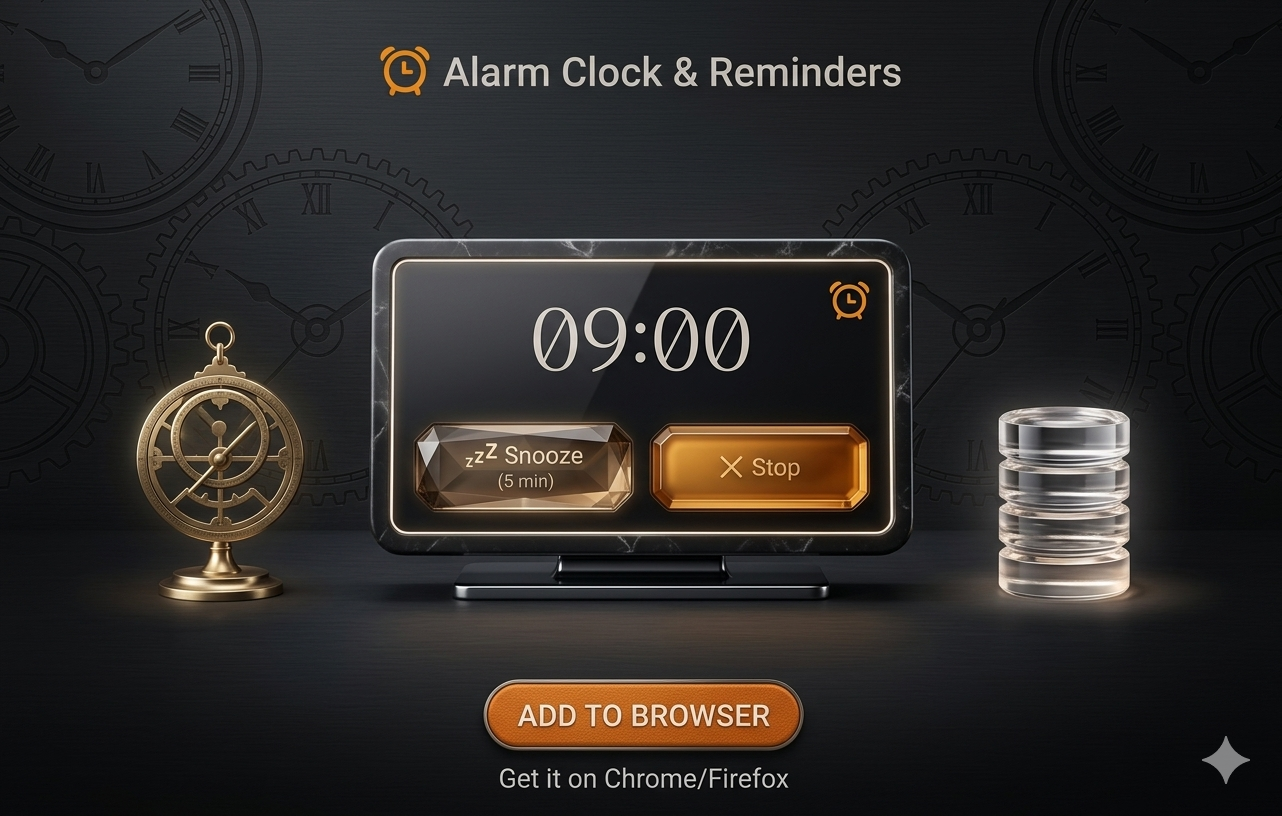
- Custom snooze durations (5, 10, 15, 30 minutes)
Sounds, AI & Themes
Built‑in sounds, labels, weekly repeat, and dark/light modes. Premium unlocks **AI Voice Messages**, custom MP3 uploads, unlimited alarms, and exclusive animated icons.
- AI Voice Messages — Reads your tasks aloud (Premium)
- Upload custom MP3 sounds (Premium)
- Animated Premium icons (SVG + Emoji) (Premium)
- Dark & light mode; full custom color picker
Pricing
Free to start, Premium when you need more
The core alarm experience stays free. Upgrade for power users who want unlimited alarms, custom audio and exclusive visuals.
$0
Everything you need for daily alarms
- Up to 3 alarms
- Built‑in sounds, snooze, repeat by weekday
- Dark / light theme + 3 accent presets
- Standard emoji icons
$49 / year
License key in email after purchase · cancel anytime
- Unlimited alarms
- AI Voice Messages (Any language)
- Upload custom MP3 alarm sounds
- Animated Premium icons
- Full accent picker + custom color
From idea to alarm in seconds
Alarm & Reminder is designed to feel like a tiny mobile alarm app — but lives right inside your browser toolbar.
1. Click and add
Click the extension icon, tap the + button, scroll the hours and minutes, give your alarm a label and choose an emoji icon.
2. Pick sound, snooze & repeat
Choose from built‑in sounds, set how long snooze should last and pick which days of the week the alarm repeats.
3. Let Chrome do the rest
When it’s time, a large ringing view (optionally in its own window) shows big Snooze and Stop buttons so you can react instantly — even if Chrome was in the background.
Preview of the popup interface
Clean layout with live clock, alarm list and a modern alarm editor.
Need Help?
Have questions about Premium, or found a bug? We're here to help. Our support team typically responds within **24 hours**.